Give club racing a replay everyone can learn from.
Create a race session from the water, let sailors upload tracks afterwards, and open a shared replay that shows what actually happened.
No special tracker. No club-wide hardware change. No complicated setup.
Club racing does not work like a controlled training session.
Some sailors record on watches. Some use sailing devices. Some upload later. A club replay cannot depend on everyone doing everything perfectly.
Dinghy Coach is designed around that reality.
Sailors can upload tracks from devices they already use — Garmin, Apple Watch, Sailmon, Vakaros and others.
Tracks can arrive after the race rather than needing everything ready on the water.
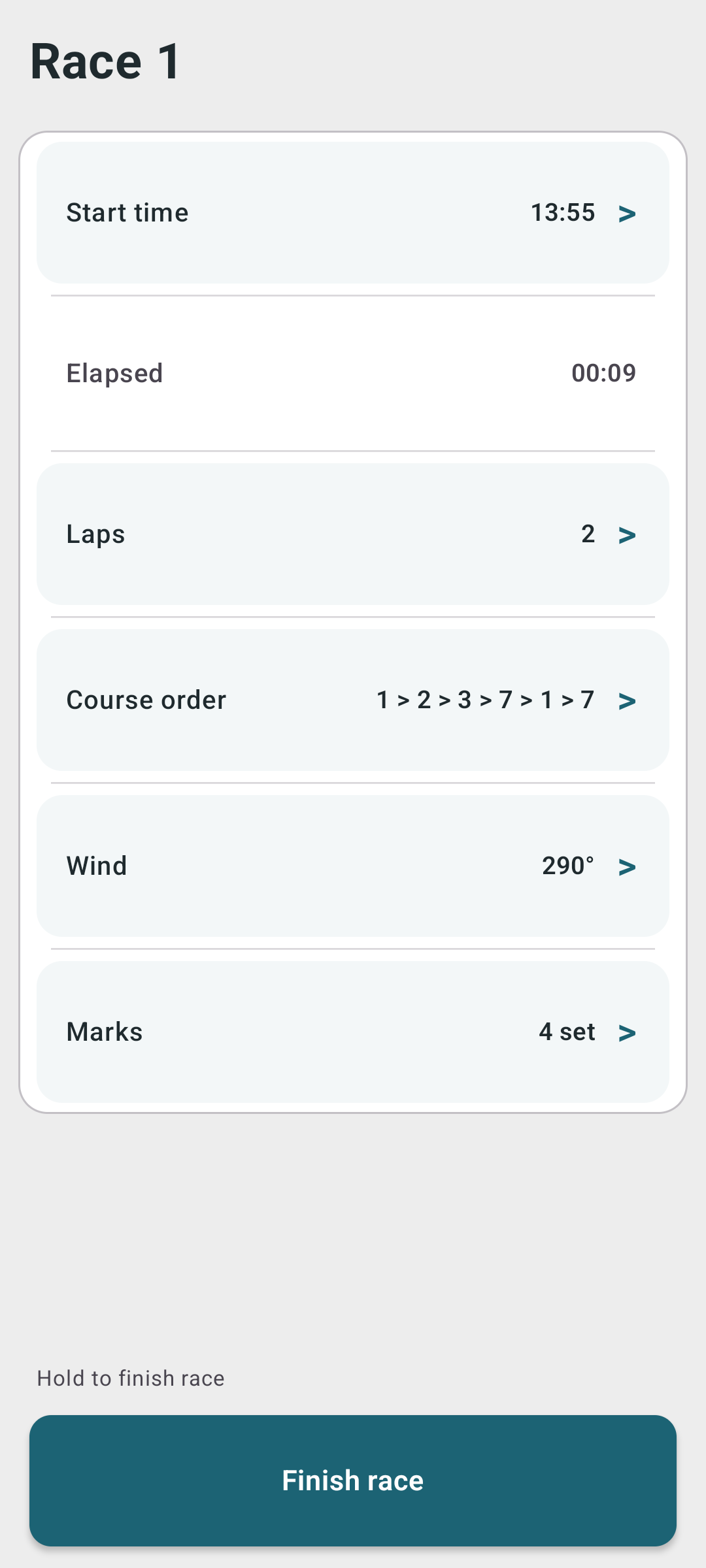
Race Support creates the race session so the replay has start, finish, wind and marks — before any sailor track has arrived.
Create the race once. Let the tracks arrive later.
A safety boat, race team or club volunteer can create a race session from the water. The session can exist before any sailor track has been uploaded.
Create the session and record the race context from the water.
Sailors record however they normally record.
Tracks can attach to the race afterwards where possible.
Use it for clubhouse discussion, coaching or fleet learning.
The race context matters as much as the tracks.
A track tells you where a boat went. Race context tells you what the race was.
A race session adds the context that makes the replay useful.
Define the race window so the replay starts and ends in the right place.
Give sailors a better view of which side, leg or decision paid during the race.
Add committee boat, pin, buoys and course order so the replay makes sense.
Set simple laps or define complex courses for accurate replay.
Uploaded tracks can attach to existing race sessions where time and location match.
Open and share the replay after racing for clubhouse discussion or individual review.
Sailors do not need to change how they record.
Dinghy Coach works best when it fits club behaviour rather than fighting it. Sailors can record with the Android app or upload tracks from devices they already use.

Turn "what happened?" into something the fleet can see.
After racing, sailors often remember the same race differently. A shared replay gives the fleet a common view: where the lead changed, where gaps opened, which side paid, and how different boats sailed the same course.
Use the replay after racing while the decisions are still fresh and the fleet is still together.
Help sailors see what faster boats did differently — starts, lanes, roundings, downwind angles.
Use PY context to make club racing comparisons more meaningful when different classes sail together.
Start with one race.
Dinghy Coach does not need a club dashboard, login rollout or fixed hardware programme to be useful. Start with one race, one volunteer and a few uploaded tracks.
- Every sailor using the same device
- Every sailor starting at the same second
- A paid club account
- A complex race-office process
- One race session
- Uploaded sailor tracks
- Shared replay
- Better post-race discussion
Useful for racing, training and fleet engagement.
Replay a club race and help sailors understand where places changed.
Create replays that sailors can review after the event, even if they travel home first.
Help young sailors see decisions, gains and losses more clearly than words alone allow.
Use PY context to make comparisons more meaningful when different classes race together.
Create the race. Let the tracks arrive. Replay it together.
Start with one club race and see whether the replay changes the conversation.
Create race sessions from the water and give the fleet a shared replay afterwards.
Download the Android appOpen Dinghy Coach and review sessions or tracks with your sailors.
Open Dinghy Coach