Start with a track, a race, or a coaching session.
Dinghy Coach works around how sailors and clubs already behave. Upload an existing track, record with the Android app, create a Race Support session, or run a coached session from the water.
No account. No special tracker. No need for every sailor to use the same device.
Any of these
leads to
There is more than one way to start.
Upload GPX, FIT, TCX, CSV, Vakaros or DTRK and open it in the replay tool.
Upload a trackUse the optional Android app to record GPS tracks on the water.

Create a race session from the water so sailor tracks can attach afterwards.
Race SupportRun a coaching session, capture wind and marks, and replay the session back on shore.
CoachingHowever you start, the replay flow is the same.
Upload files or record with Dinghy Coach.
Watch boats, tracks, timing and decisions unfold together.
Set wind, marks, course, segments or race information where useful.
Use the replay to agree what happened and what to work on next.
Sailors can start with the data they already have.
You do not need to change device or persuade the whole fleet to use the same system. One track from a watch, sailing device or the Android app is enough to begin.
Use Android, Garmin, Apple Watch, Sailmon, Vakaros or another GPS source.
Add the file to Dinghy Coach.
Add other tracks if available and set course artifacts.
See where places changed including with PY adjustment.
Clubs can create the race before tracks arrive.
A safety boat or race team can create a Race Support session from the water. The session stores the race context, then sailors can upload tracks afterwards.
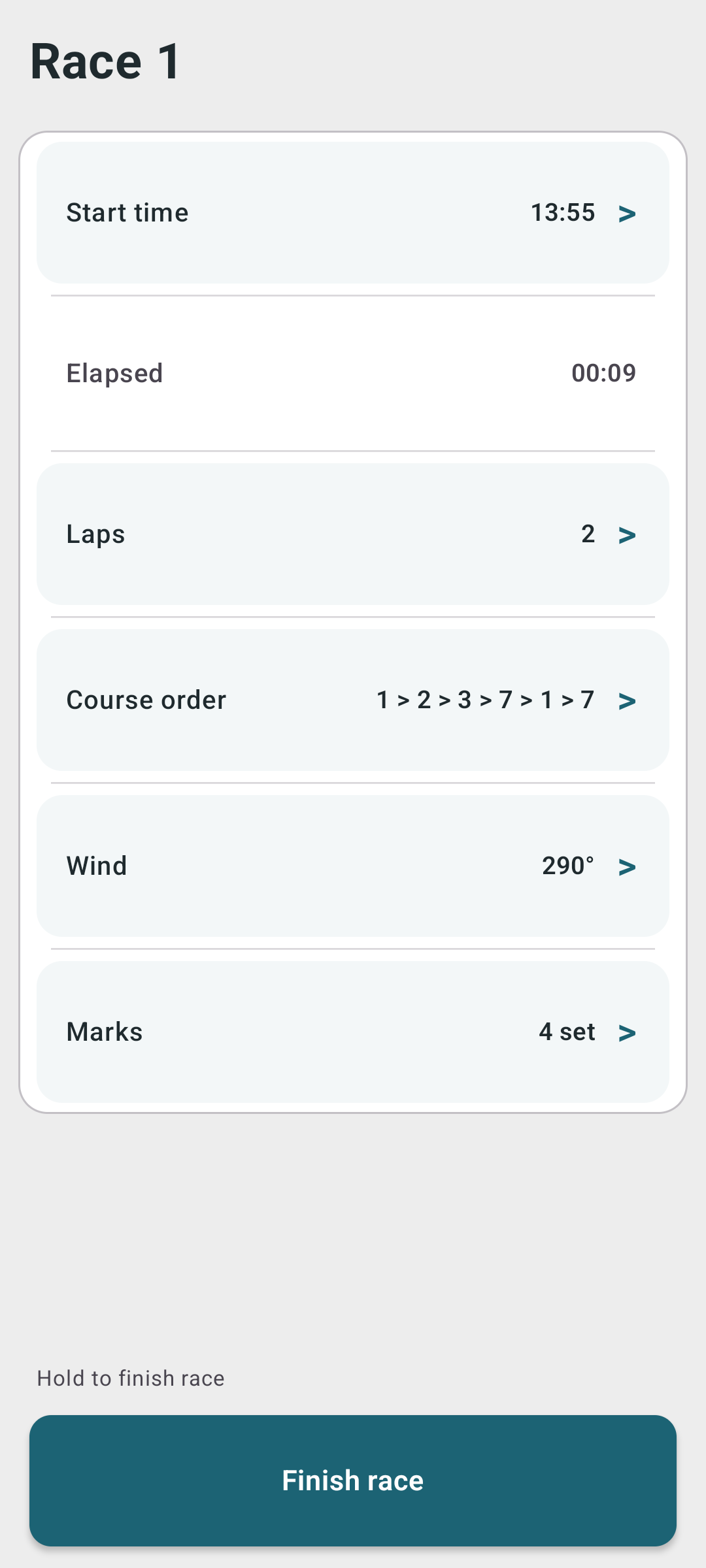
Add start time, finish time, wind, marks and course information.
They can record however they already record.
Uploaded tracks automatically attach where time and location match.
Use it for clubhouse discussion, fleet learning or coaching.
Coaches can turn sessions into evidence.
Use the Android app on the water to coordinate sailors, capture wind and marks, start recordings remotely, and create a clearer debrief afterwards.
Connect sailors, start recording and manage session timing from the coach boat.
Set wind direction, marks and notes while the session is happening.
Use the web debrief to show sailors what actually happened and where to focus next.
Once the tracks are in, everything comes together.
Dinghy Coach brings the tracks, timing and race context together so sailors can review the moments that mattered.
Watch boats move together around the course.
Compare routes, starts, beats, roundings and finishes.
Review speed, distance, manoeuvres, legs and selected parts of the race.
Use PY numbers to make mixed-fleet comparison more meaningful.
Add marks, wind, start lines and race windows.
Open the replay later with sailors, coaches or club members.
You do not need to make this complicated.
- Everyone using the same device
- A club account rollout
- A special tracker
- A full coaching setup
- Every sailor uploading immediately
- A complicated race-office process
- One track
- One race
- One comparison
- One replay link
- One thing to work on next
Choose the route that fits today.
Start with what you already have: a track, a race, or a session.
Use the optional Android app.