Show sailors what actually happened.
Dinghy Coach helps coaches run sessions on the water, capture wind and marks, record sailor tracks, and use replay afterwards to make debriefs clearer.
Less guesswork. Better evidence. More useful feedback.
Good coaching should not depend on memory alone.
After a session, sailors remember different things. Coaches remember key moments, but not every tack, shift, lane or rounding. Dinghy Coach gives the coach and sailors a shared replay to discuss.
Replay boats, tracks and timing together so the debrief starts from shared evidence rather than separate recollections.
Show where a sailor gained, lost or changed approach instead of relying on words alone to reconstruct what happened.
Use the evidence from replay to agree one practical thing to work on next, grounded in what actually happened that session.
Run the session from the water.
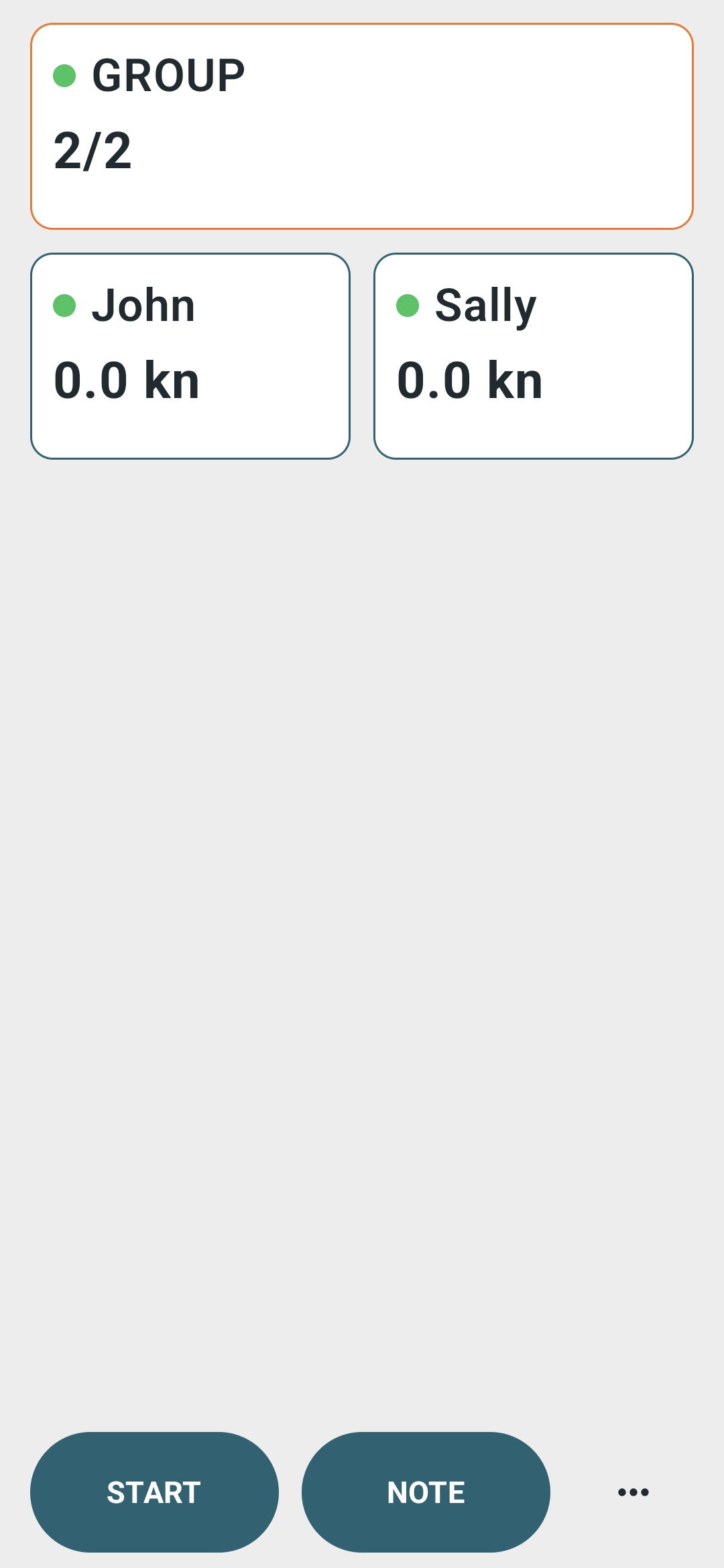
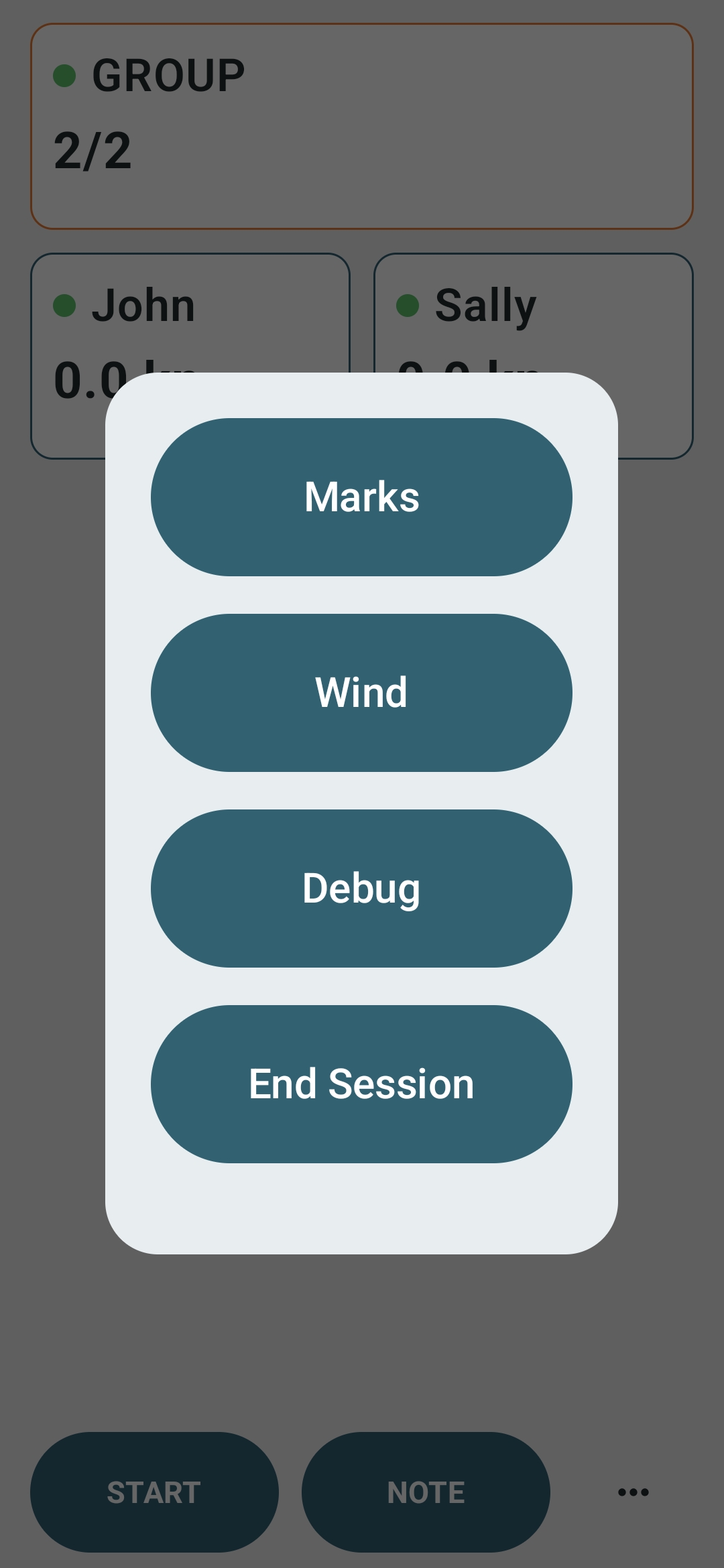
Use the Android app in the RIB to coordinate a coaching session, capture race context and create the evidence needed for a better debrief afterwards.
Connect sailors and prepare the group before going afloat.
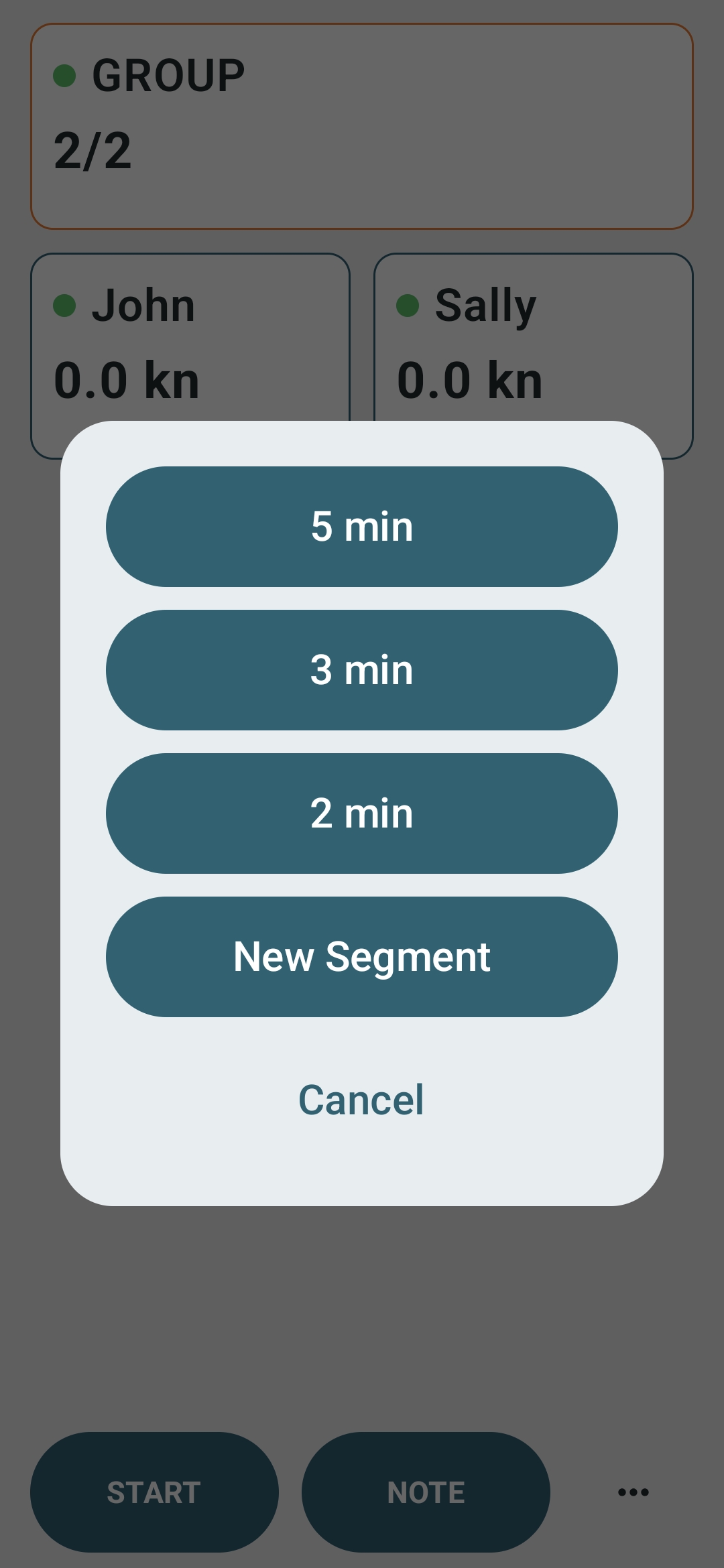
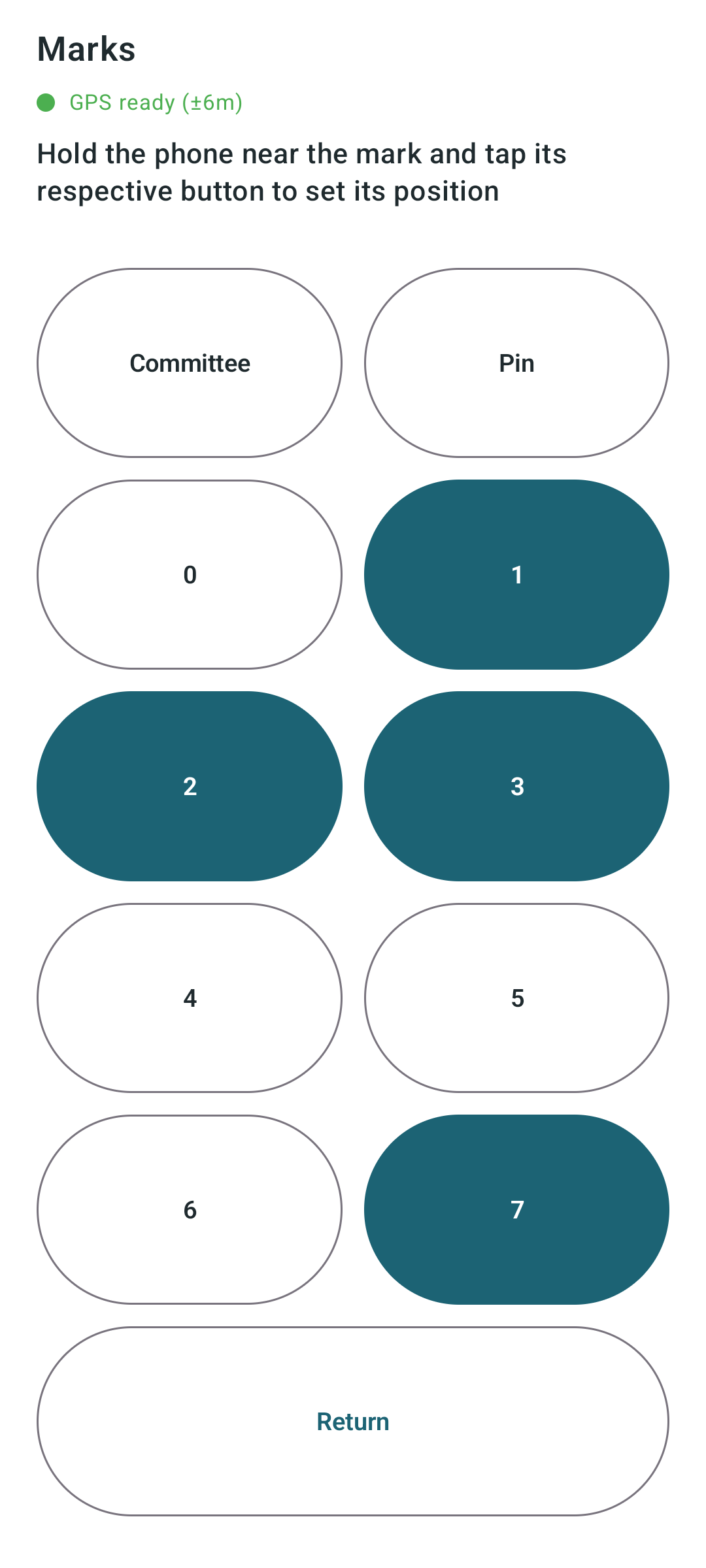
Set wind direction, marks, start lines and session information from the coach boat.
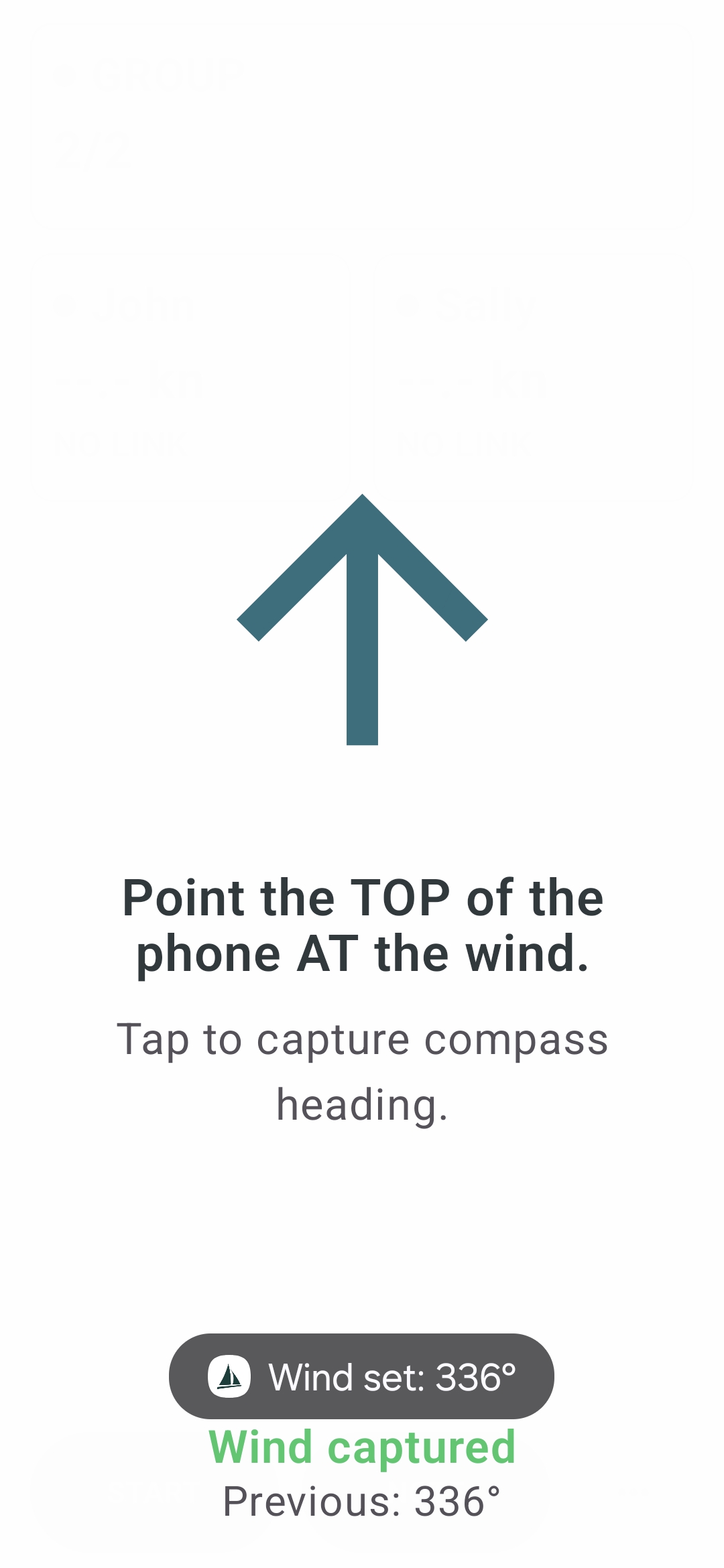
Start and stop sailors remotely where appropriate and split sessions into segments.
Open the session in the web debrief tool and review with sailors on shore.
Keep the context that usually gets lost.
A track is more useful when it has the session around it: wind, marks, timings, notes and the coach's view of what mattered.
Set wind direction so upwind, downwind and side choice make more sense in the replay.
Capture marks, gates, start lines and course context so the replay shows the right picture.
Keep the replay aligned with the useful parts of the session using segments and start times.
Capture coaching observations while they are still fresh, on the water when the moment happens.
Bring multiple boats into the same review and compare routes, timing and decisions together.
Use the replay afterwards with sailors, parents or other coaches using a single shared link.
Make the debrief easier to understand.
Instead of relying only on explanation, coaches can show sailors the moments that mattered: a lane lost after the start, a tack that cost distance, a better route up the beat, or a mark rounding that changed the next leg.
Show who held a lane, who was forced out and who recovered in the first minute off the line.
Review side choice, crossings and tactical decisions with the track as evidence rather than recollection.
Show speed loss, exit position and the knock-on effect a rounding had on the following leg.
Discuss tacks and gybes with visual evidence rather than relying on a sailor's sense of how they felt.
Compare sailors without relying only on finish order — show where the gain or loss actually appeared.
Agree one practical thing to improve next time, grounded in what the replay showed rather than general feedback.
Useful for youth squads, club training and class groups.
Dinghy Coach works well where sailors need to see patterns, not just hear feedback. It helps coaches turn a training session into something sailors can review and remember.
Help younger sailors see decisions, gains and losses more clearly than words alone.
Use replay after sailing while the session is fresh and the group is still together on shore.
Compare boats sailing the same drills or legs where the difference is in execution, not just result.
Give parents and sailors a clearer view of progress using session evidence rather than just results.
Useful coaching resources when you need ideas.
Not every coaching problem starts with a GPS track. Sometimes you need a better exercise, a clearer rules explanation or help planning the session. Dinghy Coach includes practical coaching resources for those moments too.
Get three practical exercises for a topic, skill level or training need — useful when planning the session or when a drill is not landing.
Explore exercises →Ask racing rules questions in plain English. Useful for pre-session discussion, post-session incidents or coach preparation.
Ask a rules question →Plan sessions, shape debriefs and generate coaching ideas. Practical prompts rather than generic advice.
Open coaching assistant →The Android app is for the water. The replay lives on the web.
Use the Android app to run sessions, record tracks, capture wind and marks, and coordinate sailors. Use the web debrief afterwards to replay, compare and discuss what happened.
- Run coaching sessions
- Record GPS tracks
- Capture wind and marks
- Start sailors remotely
- Add voice notes

- Open the replay
- Compare boats
- Review stats and segments
- Discuss key moments
- Share the debrief
Start with one session.
Dinghy Coach does not need a full programme rollout to be useful. Use it with one group, one exercise or one race, then decide whether it helps the debrief.
- One coaching session
- A few sailor tracks
- Wind and marks
- Shared replay
- Clearer feedback
- Every sailor using the same device
- A club account rollout
- Complex analytics setup
- A formal squad programme
- A laptop on the water
Run the session. Replay the evidence. Coach with clarity.
Start with one training session, one group or one coaching question.
Use the Android app to run sessions, capture context and give sailors something to replay on shore.
Open the debrief tool and replay tracks with sailors, parents or other coaches.
Open Dinghy CoachUse exercises, rules help and coaching prompts before or after the session.
Coaching resources